
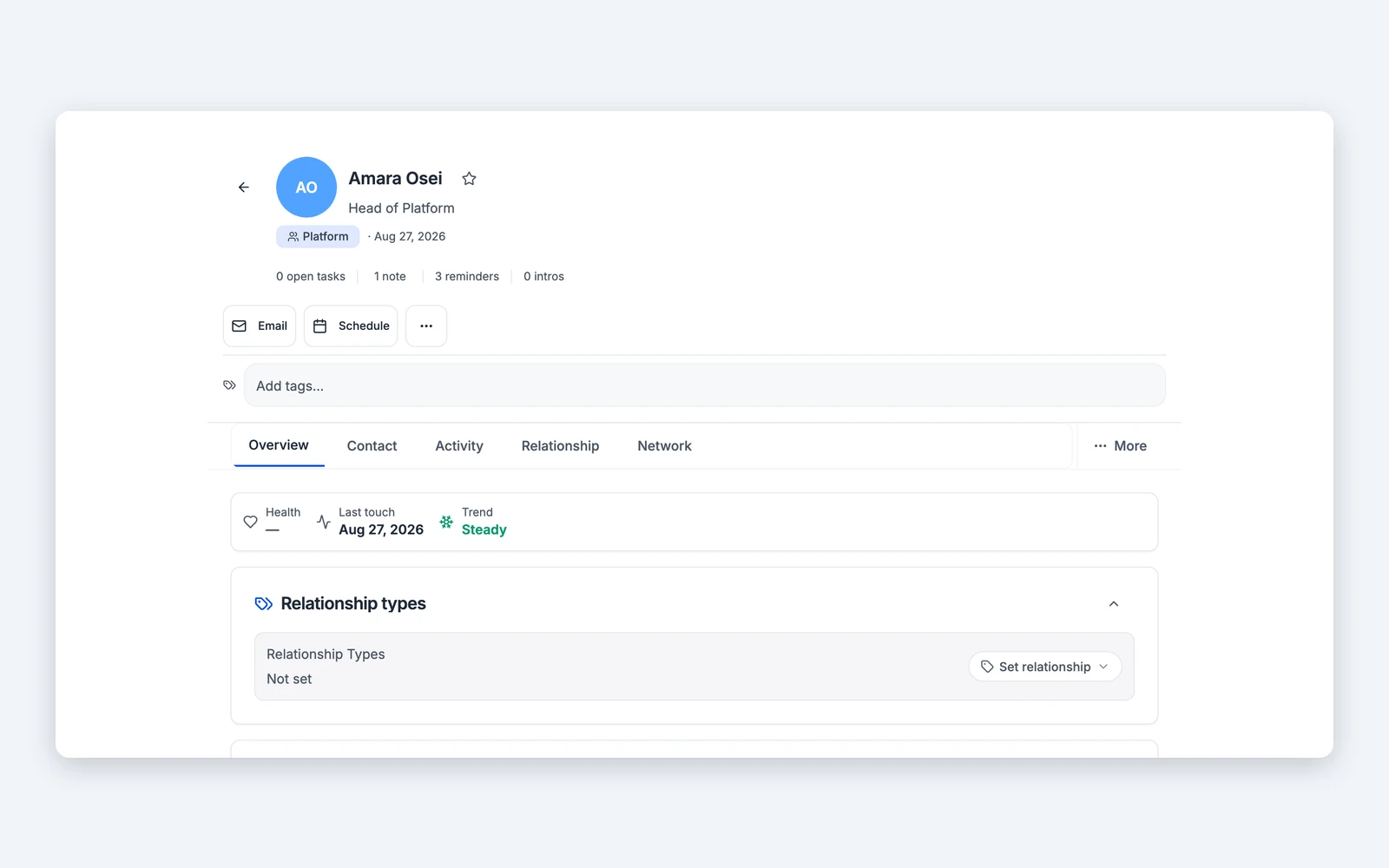
Every contact and note you add starts visible to you alone.
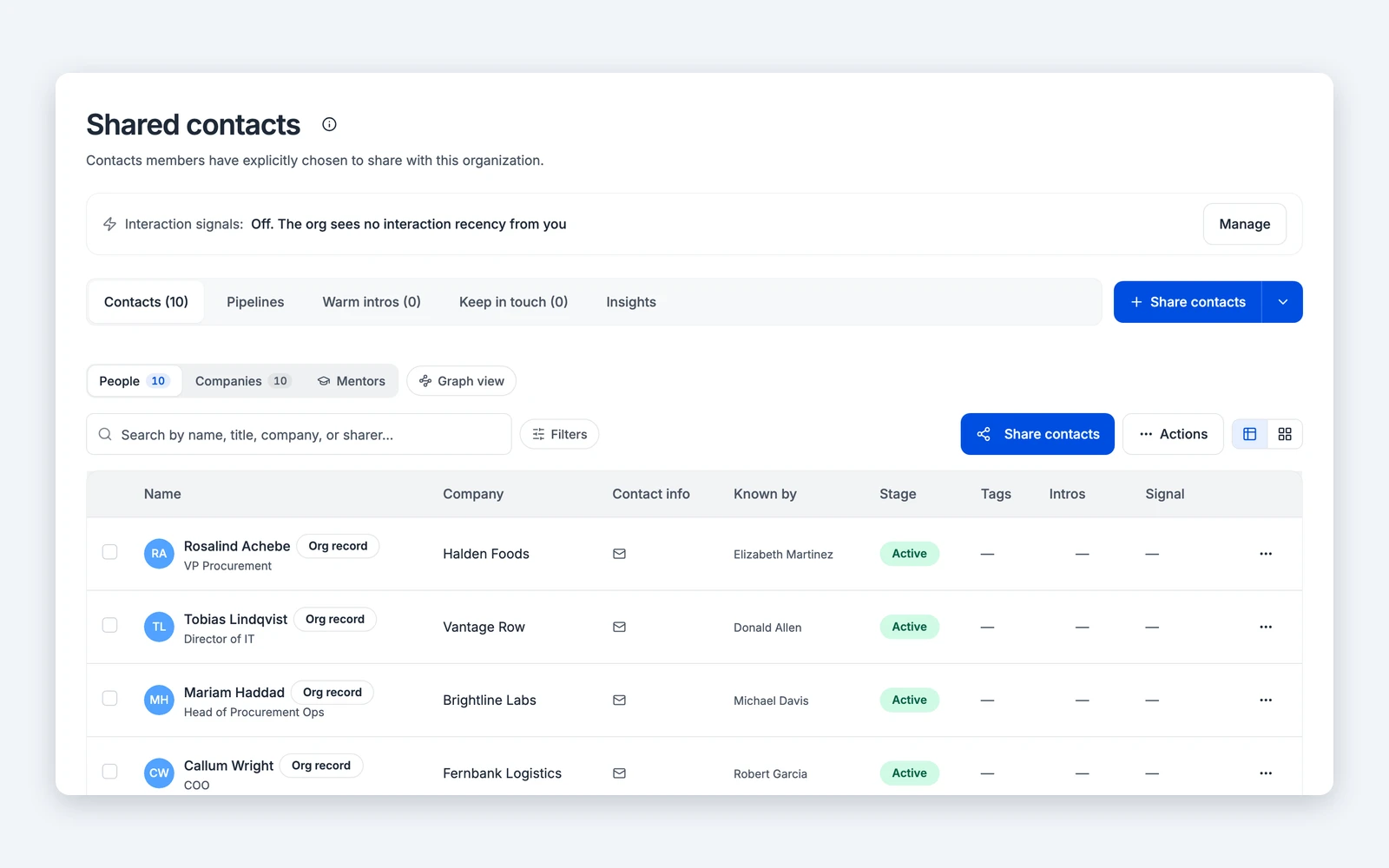
Share a contact with your organization and your personal notes stay behind with you.
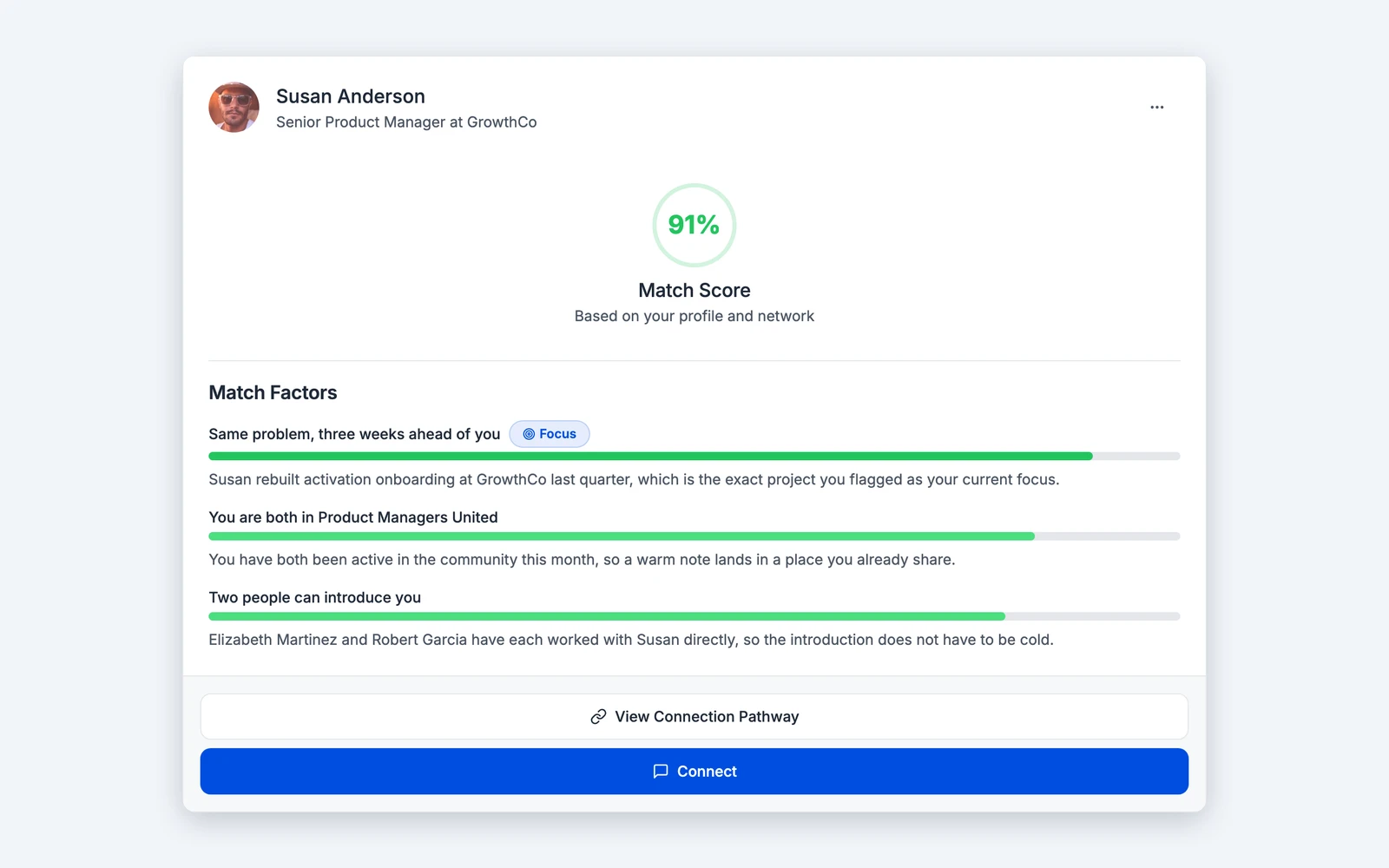
ARIA writes the draft. Nothing goes out until you say so.

Contacts, notes and files live in your private workspace first.

Contribute a contact to your organization and it appears there with a separate, organization-only layer.

Introductions, messages and changes to relationships wait for your confirmation.
Most team tools treat every contact as company property the moment it is entered. That is why people keep their real network private, and why the warm path stays invisible.

Your contacts and personal relationship data are visible only to you until you share them.
You decide, contact by contact, what your organization sees.
What your organization sees is enforced by database rules and security logic, not by hidden buttons.

Take your own data with you as JSON, CSV or Markdown, whenever you want.
ARIA drafts, ranks and reminds. It does not send messages or change relationships without your confirmation.
Does my organization automatically see my contacts?
Can an organization see my private notes?
Do you support SSO or SAML?
Are you SOC 2 certified?
Can I export my data?